AI chatbots are conversational AI assistants (artificial intelligence) that use natural language processing and reinforcement learning to understand and respond to your questions, help with complex tasks, and provide support across various domains. Whether you need help with coding, content creation, research, or everyday problem-solving, the best AI chatbots have become indispensable tools for productivity and creativity.

When choosing the best AI chatbot for your daily work or personal life, consider these key factors: context window size (how much information it can process at once), reasoning capabilities (depth of analysis and problem-solving), speed and cost-effectiveness, integration with your existing tools (like Google Workspace or Microsoft 365), multimodal capabilities (handling text, images, and code), and specialized features like voice chat, web browsing, or custom assistants. The right AI chat should align with your specific needs - whether that's coding support, document analysis, real-time research, or seamless integration into your workflow.

Quick Jump to:

5

Microsoft Copilot - Office Apps With AI Built In

AI assistance integrated across Microsoft 365

If you already live in Microsoft's ecosystem, Copilot aims to become your AI assistant without requiring you to leave the apps you use daily. Rather than being a standalone chatbot, Microsoft Copilot integrates directly into Word, Excel, PowerPoint, Outlook, and Teams, making it feel less like a separate tool and more like a helpful colleague inside your documents.

Microsoft offers several tiers. The free consumer version provides basic AI chat. For Microsoft 365 business subscribers, Copilot Chat comes at no additional cost with enterprise data protection. Individuals wanting Copilot in their Microsoft 365 apps can get Copilot Pro for $20 per month. For businesses, Microsoft 365 Copilot Business costs $21 per month (recently reduced from $30 for smaller organizations), while Enterprise remains at $30. Both business tiers require an existing Microsoft 365 subscription.

The standout feature is deep integration across Microsoft 365. In Word, Copilot drafts documents. In Excel, it analyzes data and suggests formulas. In PowerPoint, it creates presentations from prompts. In Outlook, it summarizes threads and drafts responses. In Teams, it recaps missed meetings. Copilot Notebooks turn content collections into insights, even generating podcast style audio overviews. Copilot Studio lets you build custom agents for specific business workflows.

Copilot accepts text prompts, voice commands with real time responses, file uploads, and images. Microsoft Graph integration means Copilot accesses your emails, calendar, documents, and meeting transcripts with appropriate permissions. Model choice has expanded: you can select Anthropic's Claude models alongside OpenAI's GPT offerings for certain tasks.

Microsoft 365 Copilot runs on GPT 4, GPT 5, and Claude models. Work IQ learns your writing style and work patterns to personalize responses. Over 90 percent of Fortune 500 companies use it, with approximately 33 million active users across all Copilot products.

Enterprise data protection means prompts and responses are not used to train foundation models. The service complies with GDPR and EU Data Boundary requirements. For the free consumer version, Microsoft does use conversation data for training unless you opt out.

The Microsoft 365 Copilot app is available on Windows, macOS, iOS, and Android. The web interface lives at m365.cloud.microsoft. Copilot integrates into Microsoft Edge as a sidebar and appears on the Windows 11 taskbar with voice activation.

Microsoft Copilot makes sense for organizations already invested in Microsoft 365. The tight integration eliminates context switching and leverages existing documents and communications. If your work lives in Outlook, Word, and Teams anyway, Copilot meets you where you already are.

Best for: Microsoft 365 users, enterprise teams, and professionals who need AI assistance directly in their productivity apps.

Key Features:

  • Embedded directly in Word, Excel, PowerPoint, Outlook, and Teams
  • Work IQ learns your style, habits, and organizational context
  • Choose between OpenAI GPT 5 and Anthropic Claude models
  • Copilot Studio lets you build custom agents for workflows
  • Voice mode enables hands free conversations with spoken responses
  • Microsoft Graph surfaces insights from emails, meetings, and documents
Try Microsoft Copilot
4

Perplexity: The Research Engine

AI-powered research and search engine hybrid

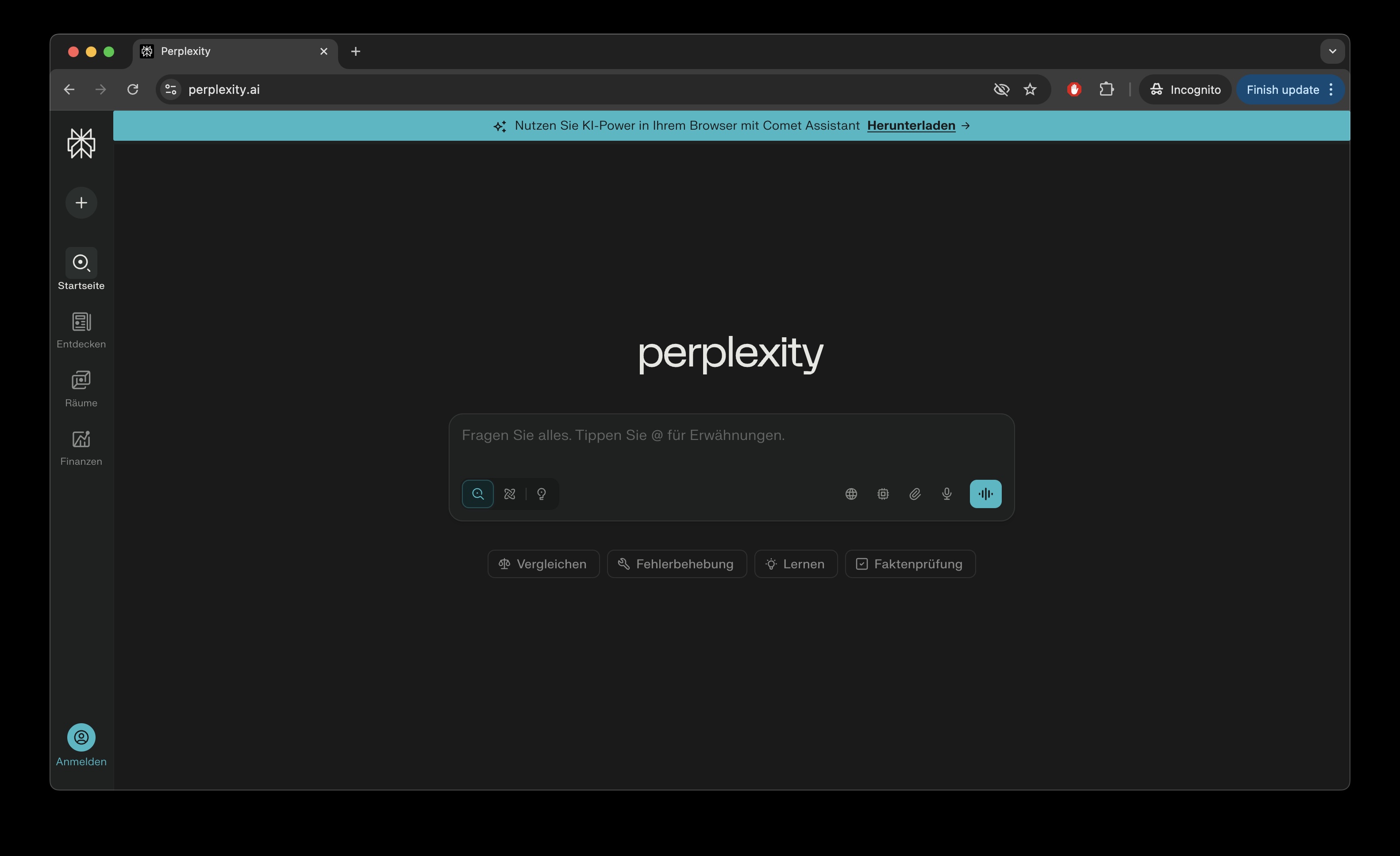
Perplexity AI

If you have ever wished your AI assistant would just show you where it got its information, Perplexity is the answer. This San Francisco startup has built something genuinely different: an AI search engine that treats citations as a core feature rather than an afterthought. Every answer comes with sources you can verify, making it the go-to tool for researchers, students, and anyone who needs answers they can actually trust.

The free tier gives you unlimited basic searches and 5 Pro searches per day. Pro at $20 per month (or $200 annually) unlocks unlimited Pro searches with multi-step reasoning, access to premium AI models like Claude and GPT, file uploads, and image generation. For power users, Max at $200 per month delivers unlimited access to Labs (for creating reports, spreadsheets, and dashboards), the latest frontier models including o3-pro and Opus 4.5, and early access to new products like the Comet browser. Enterprise Pro runs $40 per user monthly with team management and security features, while Enterprise Max at $325 per seat adds unlimited everything plus enhanced controls. Students and faculty get Pro features at just $4.99 per month.

Citations are baked into every response. Unlike chatbots that confidently state facts without attribution, Perplexity shows exactly which sources support each claim. This makes it invaluable for academic work, professional research, and anyone who needs to verify information before using it.

The real standout is Labs, a feature that lets you create dashboards, spreadsheets, presentations, and even web applications through natural language. You describe what you want, and Perplexity builds it. Pro subscribers get limited access; Max subscribers can use it without restrictions.

Comet, Perplexity's AI-powered browser, became free for everyone in October 2025 after millions joined the waitlist. Built on Chromium (so it works with Chrome extensions), Comet includes a sidecar assistant that helps summarize pages, automate tasks, manage tabs, and draft emails. Max subscribers get a Background Assistant that can handle multiple tasks simultaneously while you do other work.

Perplexity accepts text queries, images, PDFs, and various file formats. Voice input works across web and mobile. You can sync Gmail and Google Calendar to let Perplexity access your email and schedule for context-aware assistance. The platform also includes built-in tools for Discover (personalized news), Shopping (price comparisons), Travel (flight and hotel aggregation), Finance (budgeting and investments), and Sports (scores and schedules).

Unlike single-model chatbots, Perplexity offers model agnosticism. You can switch between AI models from OpenAI, Anthropic, and others depending on your task. Pro Search uses multi-step reasoning for deeper exploration, while Research mode conducts autonomous analysis across multiple sources. The platform processes over 780 million queries monthly and maintains an 85% user retention rate, with average sessions lasting 23 minutes, far longer than typical search engines.

Consumer accounts have AI data retention enabled by default, but you can toggle it off in settings. Enterprise accounts are never used for AI training, and Perplexity maintains agreements with third-party providers like OpenAI and Anthropic ensuring your data stays private. Uploaded files are automatically deleted after seven days. The platform is SOC 2 Type II compliant.

Perplexity runs on iOS, Android, web, and through the Comet browser on Windows and macOS. A mobile version of Comet is coming. Everything syncs across devices, so you can start research on your desktop and continue on your phone.

Perplexity has carved out a distinct niche as the AI assistant for people who need verifiable answers. With 22 million active users and a $18 billion valuation, it has proven there is real demand for an AI that shows its work. If you do research professionally or simply want an AI that will not make things up, Perplexity deserves a serious look.

Best for: Researchers, students, journalists, and anyone who needs AI-powered answers with verifiable sources and citations.

Key Features:

  • Every answer includes inline citations to verifiable sources
  • Labs creates spreadsheets, dashboards, presentations from natural language
  • Comet browser with AI assistant (now free worldwide)
  • Multi-model access: switch between GPT, Claude, and others
  • Research mode for autonomous multi-step analysis
  • 23-minute average session length (highest engagement among AI chatbots)
Try Perplexity AI
3

ChatGPT - The AI That Started It All

The AI assistant that started the revolution

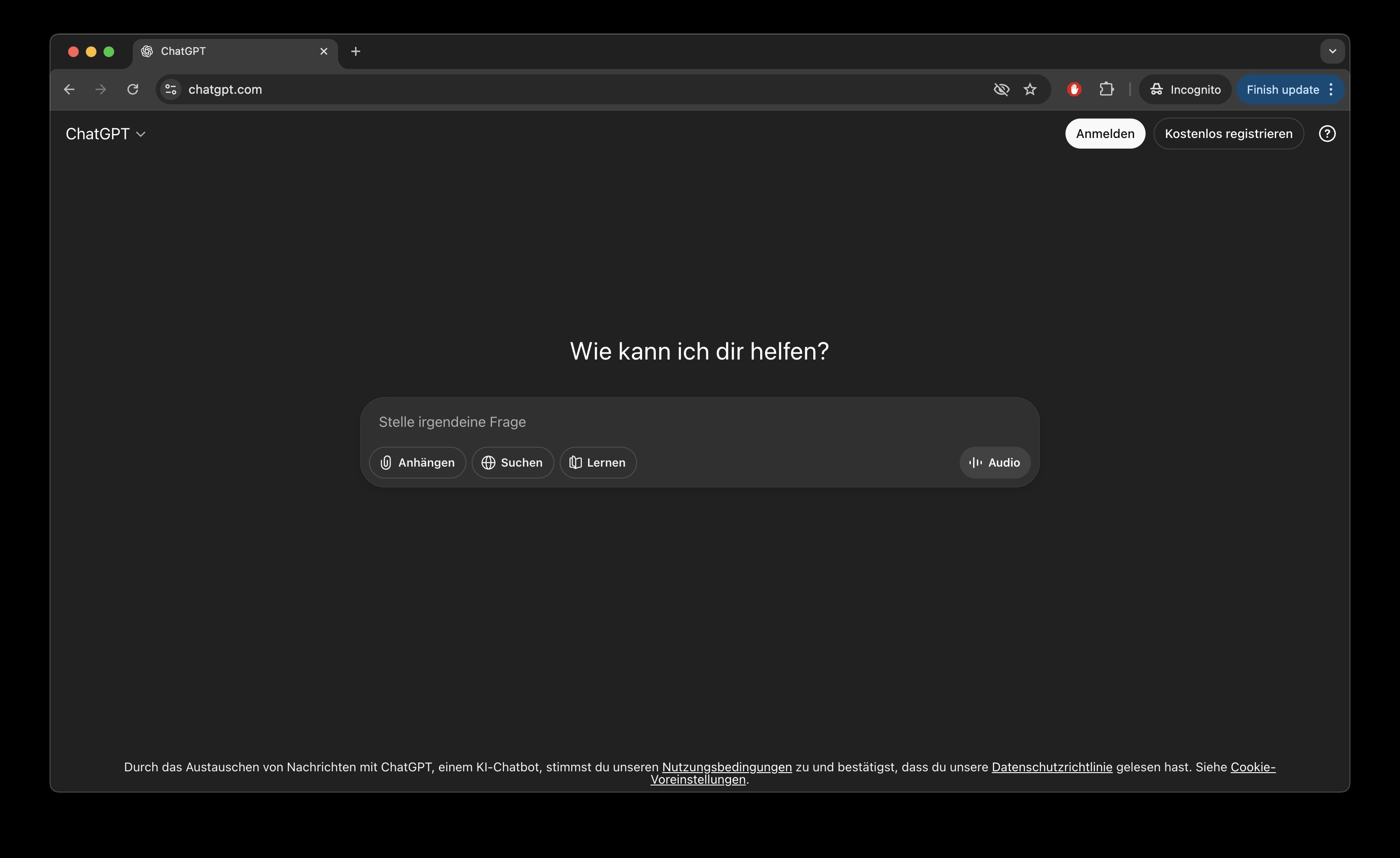
ChatGPT

If you've heard of AI chatbots, chances are ChatGPT was your first introduction. Since its launch in November 2022, OpenAI's flagship assistant has grown into the undisputed market leader with over 800 million weekly users and a 62% market share. But with so many alternatives popping up, is ChatGPT still worth your time (and money)?

OpenAI has made their best technology surprisingly accessible. The Free plan now includes GPT-5.1, the same model paid users get, with limits of roughly 10 messages every 5 hours before falling back to lighter models. ChatGPT Plus at $20/month gives you 160 messages every 3 hours plus access to the "Thinking" mode for complex reasoning tasks. For power users, ChatGPT Pro at $200/month offers virtually unlimited access and the exclusive GPT-5.1 Pro model with extended reasoning capabilities.

A clever touch: GPT-5.1 Auto intelligently decides whether your question needs quick answers or deeper thinking, even on the free tier. You'll see it "reason" through complex problems automatically without needing to toggle settings.

The biggest differentiator? ChatGPT simply does more than anyone else. It's the only chatbot offering native voice-to-voice conversations that feel genuinely natural, video generation through Sora, and an "Operator" agent that can browse websites and complete tasks on your behalf. The Canvas feature lets you collaborate on documents and code visually, while Deep Research compiles comprehensive reports from multiple sources.

What I personally appreciate is how polished everything feels. The responses have warmth without being cheesy, and the writing quality has improved dramatically with GPT-5.

You can feed ChatGPT images, PDFs, spreadsheets, and voice recordings. Plus and Pro users get the richest integration ecosystem available: Gmail, Google Drive, Google Calendar, Microsoft Teams, Outlook, OneDrive, GitHub, and Dropbox. This turns ChatGPT into a genuine productivity hub rather than just a chat window.

GPT-5.1 excels at coding, math, and complex reasoning. OpenAI claims it hallucinates 45% less than previous versions with web search enabled, and 80% less when using thinking mode. The knowledge cutoff sits at September 30, 2024, but real-time web search fills most gaps.

Your conversations are used for training by default, though you can opt out in settings. OpenAI is GDPR-compliant for European users.

Native apps are available for iOS, Android, macOS, and Windows - the most complete coverage of any AI assistant.

ChatGPT remains the Swiss Army knife of AI assistants. It's not always the smartest at every specific task, but no competitor matches its combination of features, integrations, and polish. The fact that free users now get GPT-5.1 makes it even harder to justify switching.

Best for: Users who want an all-in-one AI assistant with the widest feature set and best app ecosystem.

Model Specifications (GPT-5.1)

Context Window
400K tokens
Vendor
OpenAI
AI Intelligence Index
70
Output Speed
153 tokens/s

Key Features:

  • Native voice-to-voice conversations - The most natural-sounding AI voice mode, available even on the free tier
  • Video generation with Sora - Create videos directly in chat, a feature no other major chatbot offers
  • Operator agent - Let ChatGPT browse websites and complete tasks autonomously on your behalf
  • Widest integration ecosystem - Connect Gmail, Outlook, Google Drive, OneDrive, GitHub, Dropbox, and calendars in one place
  • Auto-switching intelligence - GPT-5.1 automatically decides when to think deeper, no manual mode selection needed
  • 800+ million users - The largest user base means more feedback, faster improvements, and the most polished experience
Try ChatGPT
2

Claude - The Coder's First Choice

Anthropic's thoughtful and helpful AI assistant

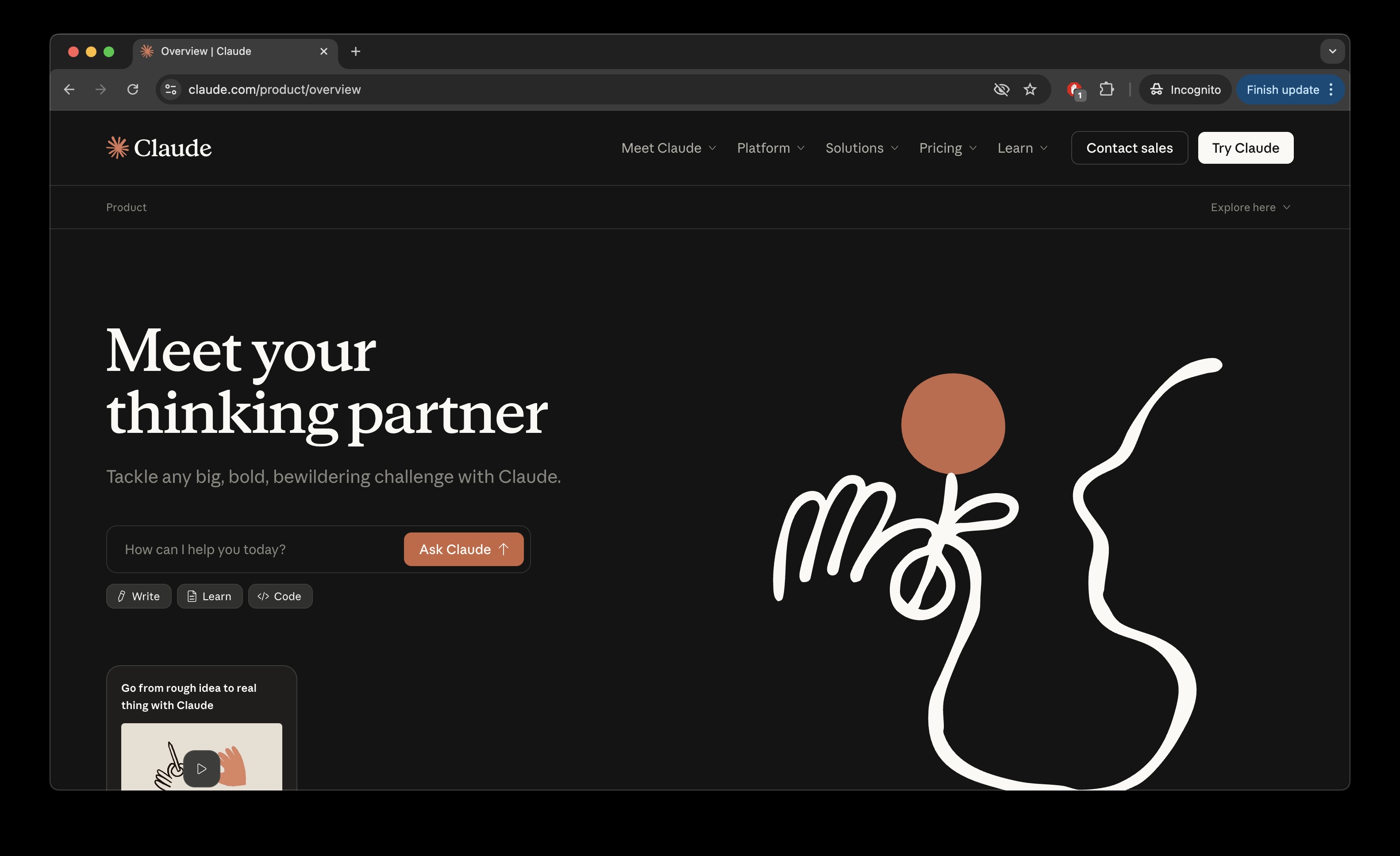
Claude

If you work with code, Claude should be on your radar. Anthropic has been laser-focused on making their AI assistant the go-to tool for developers and knowledge workers, and with the recent Opus 4.5 release, they have delivered something genuinely impressive for technical work.

Claude offers a straightforward tier structure. The free plan gives you limited access to Sonnet 4.5, their capable mid-tier model. Claude Pro at $20 per month (or $17 monthly when billed annually) unlocks five times the usage plus access to the flagship Opus 4.5 model, extended thinking mode, and Google Workspace integration. For heavier users, Max plans come in two flavors: $100 per month gives you 5x Pro's limits, while $200 per month delivers 20x the capacity with removed Opus-specific caps. Team plans start at $30 per user monthly with a five-seat minimum.

Claude's crown jewel is its coding ability. Opus 4.5 became the first model to break 80% on SWE-bench Verified, a respected software engineering benchmark, and Anthropic claims it can maintain focus for over 30 hours on complex multi-step tasks. But what really sets Claude apart is Claude Code, a command-line tool that lets developers delegate coding tasks directly from their terminal. It is built for professionals who live in their IDE.

The computer use capabilities are equally impressive. Claude can interact with your computer like a human would, interpreting screenshots, clicking buttons, and filling forms. Claude for Chrome lets it handle tasks across your browser tabs, while Claude for Excel brings AI-powered formula generation and financial modeling directly into spreadsheets. These are available to Max, Team, and Enterprise users.

Claude accepts text, images, and documents up to its 200,000 token context window (expandable to 1 million via API). It integrates with Google Workspace including Gmail, Calendar, and Google Docs, letting it search your emails, understand your schedule, and reference your documents. File creation has expanded significantly: Claude can now generate actual Excel spreadsheets, Word documents, PowerPoint slides, and PDFs directly in conversations.

The 4.5 model family includes three tiers: Opus (flagship), Sonnet (balanced), and Haiku (fast and economical). Opus 4.5 has a knowledge cutoff of March 2025, while Sonnet 4.5 uses January 2025. Extended thinking mode lets Claude work through complex problems step by step, showing its reasoning process. The new "effort" parameter lets you trade thoroughness for speed depending on your task.

Anthropic recently shifted its privacy stance for consumer plans. As of September 28, 2025, users must choose whether to allow their data for training. Opting in extends data retention to five years; opting out keeps the 30-day window. Business, Enterprise, and API users remain unaffected, with data never used for training by default. Zero Data Retention is available for enterprise customers with strict compliance requirements.

Claude runs everywhere you need it: iOS, Android, Mac desktop, Windows desktop, and web. The desktop apps include voice dictation on Mac and integrate with local files through Desktop Extensions. Conversations sync across devices, and a memory feature helps Claude recall context from previous chats.

Claude is the developer's AI assistant. If you write code, analyze data, or work with spreadsheets professionally, Claude's specialized tools and benchmark-leading coding performance make it a compelling choice. The combination of Claude Code, Chrome integration, and Excel automation creates a workflow that no competitor currently matches.

Best for: Developers, data analysts, and professionals who need state-of-the-art coding assistance and computer automation capabilities.

Model Specifications (Claude Opus 4.5)

Context Window
200K tokens (+ Infinite Chat)
Vendor
Anthropic
AI Intelligence Index
70
Output Speed
63 tokens/s

Key Features:

  • State-of-the-art coding performance - 80.9% on SWE-bench Verified, the first model to break 80%
  • Claude Code terminal tool - Agentic development directly from your command line
  • Claude for Chrome and Excel integrations - Browser automation and spreadsheet AI (Max and Enterprise)
  • Extended thinking mode - Visible reasoning process for complex problems
  • Computer use capabilities - Automated workflows that interact with your desktop
  • Constitutional AI safety framework - Strong prompt injection resistance and ethical alignment
Try Claude
1

Google Gemini - The Ecosystem Powerhouse

Google's multimodal AI platform, now with advanced image generation and editing

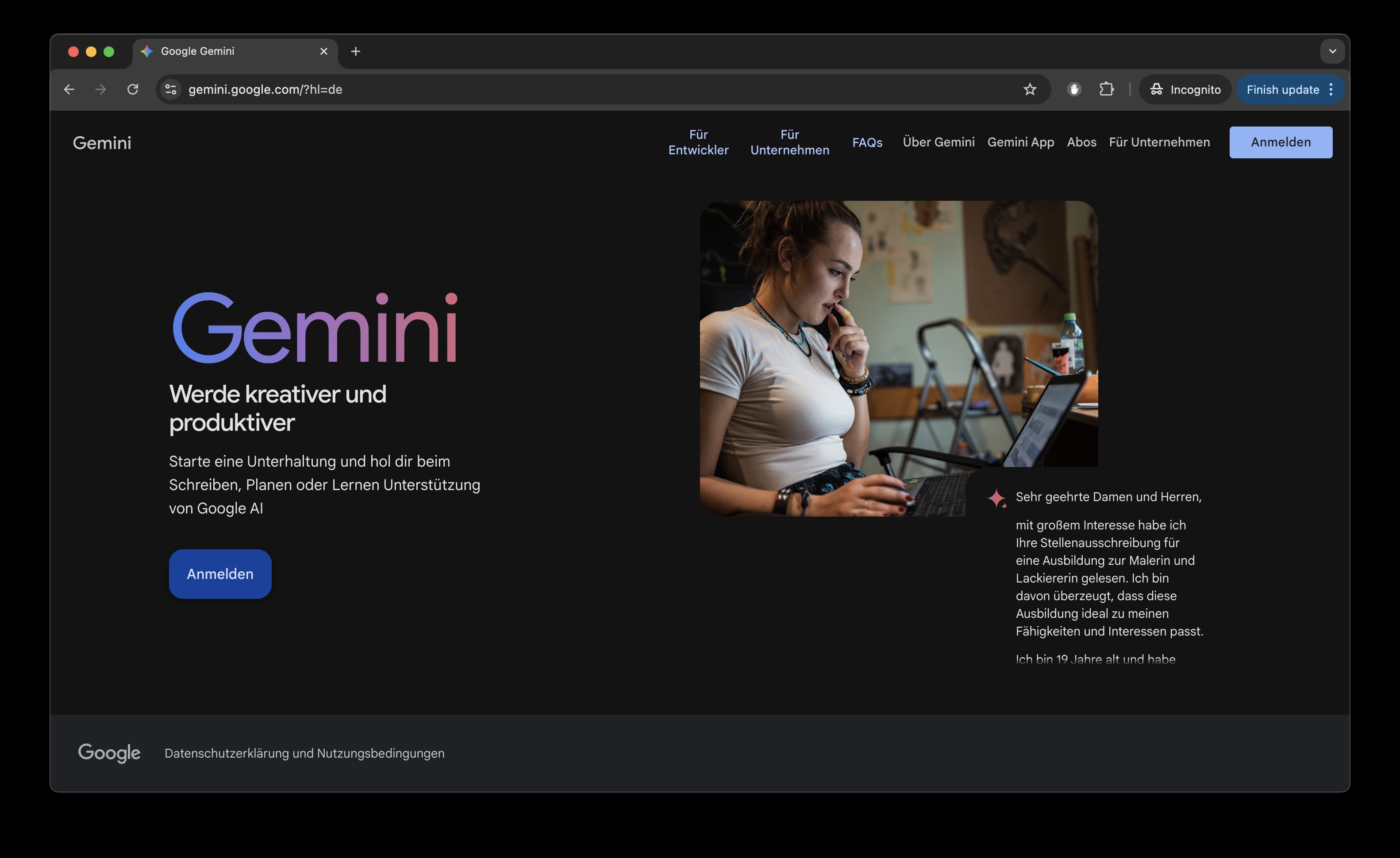
Gemini

When the world's largest search company builds an AI assistant, you get something unique: an AI that lives inside the tools you already use every day. Google Gemini has grown rapidly to over 650 million monthly users, and with the recent release of Gemini 3 Pro in November 2025, it's finally giving ChatGPT serious competition.

Google recently restructured its pricing into four tiers. The Free plan gives you access to Gemini 2.5 Flash, limited Gemini 3 Pro access, image generation, Deep Research, and even 100 AI credits for video generation monthly. That's remarkably generous. Google AI Plus at around $8/month adds higher limits and the full Gemini 3 Pro model. Google AI Pro at $20/month unlocks video generation with Veo 3.1, NotebookLM with 5x more features, 2TB storage, and Gemini inside Gmail, Docs, and other Google apps. The Google AI Ultra tier at $250/month is aimed at power users and creators, offering the highest limits, Deep Think mode, Gemini Agent, YouTube Premium, and a massive 30TB of storage. Students get Google AI Pro free for a year in several countries, which is a fantastic deal.

Here's Gemini's killer feature that nobody else has: native video input. You can upload a video file and ask questions about it. Point your phone camera at something during Gemini Live and have a real-time conversation about what you're seeing. No other major chatbot can do this. The Google ecosystem integration is the other big differentiator. Gemini works directly inside Gmail, Google Docs, Sheets, Slides, Drive, Calendar, and Maps. It's not a separate tool you switch to; it's embedded where you already work. For anyone already living in Google's world, this seamless integration is hard to beat. NotebookLM, included with paid plans, deserves special mention. Upload your documents, and it creates an AI research assistant specifically trained on your content, complete with "Audio Overviews" that generate podcast-style summaries.

Gemini accepts text, images, PDFs, spreadsheets, audio, and video. The video capability alone sets it apart. Through Google's ecosystem, you get native integration with Gmail, Google Drive, Google Calendar, and Google Maps. The "Connectors" approach feels more seamless than competitors because it's all one company's products talking to each other.

Gemini 3 Pro currently tops the LMArena leaderboard with a 1501 Elo score. It has a 1 million token context window (roughly 1,500 pages) and a knowledge cutoff of January 2025, which is more recent than most competitors. The new "Thinking" mode provides deeper reasoning for complex problems, while standard responses are noticeably faster and more concise than before.

Your data is shared for training by default, but you can opt out. Notably, Google doesn't have a published GDPR policy page like some competitors, which may concern European users.

Native apps exist for iOS and Android, but there are no dedicated desktop apps for macOS or Windows. You access Gemini through the web or the mobile apps.

Gemini is the obvious choice if you're already embedded in Google's ecosystem. The native video input, seamless Workspace integration, and included NotebookLM make it uniquely powerful for certain workflows. The free tier is surprisingly capable, and the paid tiers offer genuine value. The main weakness? It still trails ChatGPT in raw market share and community mindshare.

Best for: Google Workspace users, video-heavy workflows, and anyone who wants AI embedded directly in their productivity tools.

Model Specifications (Gemini 3 Pro Preview)

Context Window
1M tokens
Vendor
Google
AI Intelligence Index
73
Output Speed
130 tokens/s

Key Features:

  • Native video input - The only major chatbot that can analyze uploaded videos and live camera feeds
  • Deep Google ecosystem integration - Gemini works inside Gmail, Docs, Sheets, Slides, Drive, Calendar, and Maps
  • NotebookLM included - A dedicated AI research assistant that learns from your uploaded documents
  • Veo 3 video generation with audio - Create videos with synchronized sound effects, music, and dialogue
  • Gemini Live with camera sharing - Point your phone at anything and have a real-time AI conversation about it, free for everyone
  • Most recent knowledge cutoff - January 2025 training data, newer than most competitors
Try Google Gemini
← Back to All Categories

More AI Chatbots

Kimi (Moonshot AI)

China's Moonshot AI created Kimi, an AI assistant with an impressive 256K token context window that excels at processing massive documents and codebases. The recently released K2 Thinking model emphasizes reasoning capabilities and autonomous tool use, making it particularly strong at coding tasks. Kimi is open-source under a modified MIT license, allowing developers to inspect and customize the model. While primarily serving the Chinese market, Kimi has gained recognition globally for its technical capabilities and long-context performance.

Try Kimi →

Poe (Quora)

Built by Quora, Poe takes a unique approach as an AI chatbot aggregator that gives you access to multiple AI models through a single interface. You can chat with ChatGPT, Claude, Gemini, and others without switching apps or managing separate subscriptions. Poe also allows users to create and share custom chatbots built on top of these foundation models. The free tier offers limited access to various models, while Poe Subscription at $20/month provides significantly higher usage limits across all available models, making it appealing for users who want to experiment with different AIs without committing to individual subscriptions.

Try Poe →

Meta AI (Meta)

Meta's AI assistant is powered by their Llama models and comes integrated directly into Facebook, Instagram, WhatsApp, and Messenger. Completely free to use, Meta AI offers conversational assistance, image generation, and real-time web search capabilities without requiring a separate app or subscription. It's particularly convenient if you're already using Meta's social platforms, as you can summon the assistant with "@Meta AI" in group chats or access it through dedicated chat interfaces. Meta AI emphasizes accessibility and integration into existing workflows, though it lacks some of the advanced reasoning capabilities found in paid premium models.

Try Meta AI →

Le Chat (Mistral AI)

France's Mistral AI offers Le Chat, a conversational interface powered by their family of open-source and proprietary models including Mistral Large and the reasoning-focused Mistral Large 2. Le Chat provides free access to Mistral's powerful models with generous usage limits, plus features like web search integration, document analysis, and image generation. European users particularly appreciate Mistral's strong commitment to data privacy and GDPR compliance. While it may not have the brand recognition of American competitors, Mistral's models are competitive on benchmarks and Le Chat offers a capable, privacy-conscious alternative that's completely free for most users.

Try Le Chat →

DeepSeek

Chinese AI lab DeepSeek has made waves with models that punch well above their weight class. DeepSeek-V3, their latest flagship, uses a Mixture-of-Experts architecture to deliver impressive performance while remaining remarkably cost-effective to run. The company emphasizes open-source releases and transparency about their training methods. DeepSeek Chat is completely free with generous rate limits, and the models excel particularly at coding and mathematical reasoning. While less known in Western markets, DeepSeek has earned respect in AI research circles for achieving competitive results with fewer resources, and their commitment to open-source means developers can self-host and customize the models.

Try DeepSeek →

References & Sources